This week I tested whether getting up at 5:00 a.m. could help me get more done. I went to bed at 10:00 p.m., hoping to enjoy these 5 benefits to rising early. For details, scroll to the bottom of last week’s post.
How Rising Early Saved My Sanity This Week
Helped me make progress on an important project. I was able to get a lot done on the homeschool curriculum I am writing. I felt great about making this a priority.
Made me feel virtuous. By the time I started school, I felt I had already accomplished so much.
Wasn’t hard to get up. By day two, I was waking up at 5 on my own. I wasn’t crazy tired at 5 and the extra hour flew by.
How Rising Early Made Me Crazy This Week
Not in sync with my family. I was not a nice person when the first day, my husband got up too and said, “Hi.” Let’s just say he really thought I was a crab until I explained that I was getting up to have work time alone. He made the adjustment, but nights were tough. On one particular night, our ball team was playing late, and everyone stayed up to watch. I could not get to sleep.
Mid-morning crashes. I felt great until a few hours after 5. Then I couldn’t think about anything but going to bed. I took naps to compensate, but the morning after my trouble sleeping was a fiasco. I didn’t seem to be able to recover. Caffeine doesn’t agree with me (I love that expression, don’t you?), but I’m sure I couldn’t have drunk enough coffee to feel better after my sleepless night. The extra productivity I gained was lost to fatigue and naps. Would it get better the longer I got up at 5? I didn’t care.
Did Rising Early Help Me Get More Done?
Yes and no. I realized that in general, I am already an early riser, getting up at 6. I have time to exercise on planned days, spend time with my husband and oldest son, and have personal devotions before starting the school day. Getting up at 5 was great for having project time, but the negatives outweighed the positives. The compromise I have made is to get up at 6 and to spend half an hour working before my family members are really in a chatty mood. (In fact, I’m writing first thing in the morning now).
**UPDATE**
I continue to get up at 6 a.m. I do think I could adjust to getting up earlier, but there is no way in this household that I could get to bed before 10 a.m. I have learned that I need 8 hours of sleep to be at my best. I love getting up at 6. I get my most important activities done and feel like even if the rest of the day is a waste, I’ve had a great day.
The Productivity Approach I’ll Be Using for Week 37
This week I’ll be testing computer shortcuts. I am going to adopt several keyboard shortcuts apt to save me the most time.
The concept. I’m pretty computer savvy. And I’m also pretty geeky about productivity. But when it comes to saving time on the computer–where I spend a good portion of my time–I’m pretty dumb. Example. I have a reputation at home for being the Open Tab Queen. If I’ve been sitting at a computer using Chrome, you can bet that (especially prior to Do It Now), I have left a good 25 tabs open. Leaving that many tabs open slows performance down such that closing them all takes forever. At least it does if you’re computer shortcut ignorant like me.
So one day when I faced my 25+ open tabs, I happened to right-click on a tab and discovered that I could close them all at once. Furthermore, I saw that I could close all tabs to the right. Then I got really crazy and figured out that I could move the tabs I was actually using to the same place, making it even easier to use “close tabs to the right.” The amount of time this has saved me is significant. Brainscape wouldn’t be surprised. They assert that simple keyboard shortcuts can save us eight days a year!
That got me thinking. How many other shortcuts are there that would save me time? Turns out, a LOT. Some of them are easy to implement, like the tab closing trick. Others are habits I would need to develop. I’m excited that there’s an app to help you learn the keyboard shortcut habit!
If you’d like to join me this week, here’s what you do. Decide on which computer shortcuts you’d like to adopt this week. Choose a few easy, automatic ones and some that may require habit formation. Make sure that what you choose will be a major time saver based on how you use the computer. Consider trying the free app if you’re an Apple user. Here are some lists of shortcuts and time savers to get you started.
The kids not only start to suggest activities off the lesson plan this time of year, but moms start to wonder if their curriculum is missing the mark. Heather Bowen offers wisdom for this common, tricky situation.
No matter how much you dislike the scary part of Halloween, it’s always a good time to encourage your kids to be scary smart. Kids Activities blog offers a free printable for teaching your kids the names of bones.
Any day is a good day to pray for your homeschool. Simply Living for Him shares this free printable to guide you through praying for your homeschool every day for a month.
The treat is the candy that screams for attention this time of year. The trick, of course, is that it can go from the lips to the hips. This blog’s daily workout can can help you stay slim and trim at least until the temptation of Thanksgiving.
Be sure to follow Psychowith6 on Pinterest and Google+ for make great tricks and treats.
If you’re like most homeschoolers, you’ve come across some great freebies — whether it’s a website, a whole curriculum, or a printable you can use in teaching your children. Maybe you’ve even heard about a book, curriculum, or iPad giveaway that you’ve entered.
The good news is you don’t have to hope that you hear about good deals like these. You can stay informed with this list of the best places to find homeschool freebies and giveaways. Pin it, bookmark it, and share it with your friends.
Your Favorite Curriculum or Website Mailing List
Signing up for the mailing list of your favorite homeschool or educational website will provide you access to exclusive freebies and giveaways. One of my favorite mailing lists is Notgrass. I’ve enjoyed excellent free unit studies from them.
Freebies & Giveaway Websites
Free Homeschool Deals – this site is hosted by Jamerrill Stewart, who not only offers information on great freebies like printables and ebooks (including free Kindle books), but has been very generous with me personally. The Once-and-for-All Meal Plan was featured on Free Homeschool Deals.
Money Saving Mom – Jamerrill also shares the best freebies here, a site where you can find more ways to be a frugal mom.
Homeschool Giveaways – Carrie Fernandez is another generous lady. Subscribing to this site will ensure you get valuable freebies. I got a curriculum I am using this year that sells for over $30!
Blessed Beyond a Doubt – Jill links to others’ printables, creates her own great printables for readers and subscribers, and lists free Kindle books of interest to homeschoolers. I shared the easiest record keeping system ever with her readers.
Are you unsure of how to enter a giveaway? Rafflecopter is a popular means of hosting a giveaway and has an explanation for you: How to Enter a Rafflecopter Giveaway. Some other sites to check for giveaways include:
PunchTab Giveaways app – This app will allow you to search for giveaways using PunchTab rather than Rafflecopter.
Low Entry Giveaways on Mom Bloggers Club – The more popular sites will offer you a lower chance of winning. This site which offers giveaways that are not all homeschool related, only features giveaways that have low entries.
Last Chance Giveaways – On the same theme, this site has low entry giveaways that are not all homeschool related.
Printables
Printables are digital products that you can print at home. Many of the websites above offer free printables, but these sites specialize in them.
Donna Young – featuring printables in many subject areas, her handwriting printables (including every kind of paper) are especially impressive.
Teachers Pay Teachers – this website offers many freebies as well as printables for purchase from teachers who may not be homeschoolers.
Facebook is a great place to find exclusive freebies and giveaways. Like the pages of your favorite curriculum vendor or blogger so you won’t miss out on great deals. Many pages offer a freebie simply for liking. Other pages have Facebook parties where prizes are offered only to attendees. Your odds of winning are excellent! Here’s how to participate in a Facebook party.
Have you liked the Homeschool Sanity page? Some other pages you should be sure to like include:
Pinterest is ideal for finding freebies. You can find giveaways, too, but often you’ll see a pin when the giveaway has ended. Search Pinterest for the exact freebie or giveaway you want, using those terms. You can also follow pinners or boards to have the best deals show up in your Pinterest feed. I pin freebies to subject-specific homeschool boards and to What’s Hot in Homeschooling. Follow me and the following boards so you can pin and share.
Google+, if you’re not familiar, is like Facebook only centered around interests rather than friends. Because there are fewer people using it, your odds of winning giveaways featured here are better. Freebies that may get lost in the fray may also better catch your attention here. As with Pinterest, you can search for freebies and giveaways and find relevant posts. I’d love for you to add me to your homeschool circle. You can also join these two communities:
Search Twitter using these hashtags (#homeschool #freebie #giveaway) and you may discover just what you’re looking for. As with Facebook, consider attending a Twitter party to win a prize reserved for party attendees. Here’s a guide if you’re a Twitter party beginner.
Do you know you can set up Google alerts to find out about exactly the freebies and giveaways you’re looking for? Perhaps you’d really like to win an iPad mini. Just enter iPad mini and giveaway as search terms and new posts that include those terms will be sent to your inbox.
Small Blogs
Smaller blogs are motivated to offer amazing freebies and giveaways to gain new readers. These blogs are likely to have low entries, too. Please remember that bloggers and businesses offer you freebies and giveaways in good faith. Please don’t subscribe, get the freebie, than immediately unsubscribe or share material with friends who haven’t subscribed. Thanks so much for your understanding.
Free Homeschool Resource Lists
I couldn’t possibly list every free website available to homeschoolers, and isn’t that wonderful? I can offer you these lists of the best free websites, however.
The Best Places to Buy or Borrow Used Homeschool Curriculum
Some of the places I listed in this post offer free curriculum. Be sure to check it out, too. Here’s a site I found recently — the sister site to Free Homeschool Deals. Curriculum Share – (members pay shipping only). If you can’t find something you need for free here, you may be able to get it for very little money using the used curriculum list.
Are there other places to find homeschool freebies and giveaways you recommend? Please leave a link in the comments.
I tested whether Steve Kamb’s Do it Now approach could help me get more done. As you might surmise, any routine task that occurred to me to do, I did immediately, as much as I was able. I did not do tasks outside of their assigned time. Scroll down to last week’s post for details.
How Do it Now Saved My Sanity This Week
Made me realize I’m a procrastinator. I really didn’t think I was. After all, I quit doing those stay-up-all-night-to-meet-a-deadline jags years ago. But what I still do is put off one task in favor of a more pleasant one. For example, rather than clean up (with the kids’ help) right after lunch or dinner, I do social media stuff. I tell myself I’ll get to it as soon as I’m done. I don’t think I have to tell you how that usually works out. Acknowledging that I’m a procrastinator helped me think of appropriate interventions.
Helped me recognize the source of most of my productivity problems. I would have admitted that I put some tasks off until later before this week. But I would have denied that the areas where I still struggle were related. They are. It really doesn’t matter what systems or hacks I put into place if I’m not willing to do what needs to be done (or what I said I’d do) now.
Saved me time and my self-esteem. There is no doubt in my mind that doing things when you think of them takes less time than doing them later. I demonstrated that to myself this week. As I saved more time, I even felt better about myself. Deep down I know it’s a stupid thing to do to put off the inevitable.
How Do it Now Made Me Crazy This Week
Hated admitting the truth. Hearing the Narrator’s voice say “Do it now” didn’t bother me at all. What bothered me was hearing my own voice saying, “See what you have to deal with because you didn’t do it now?”
Wasn’t able to resolve the problem in a week. My tendency of putting things off (even for a few hours) impacts every area of my life. It’s been a little discouraging to realize that it’s going to take a while to change this pervasive habit.
Sometimes difficult to decide on using it. Most of the time I knew which things should be done “now” and which should be saved for later. But sometimes I wondered if I should take a little extra time to put things away as I went to start a scheduled task or not. It probably wasn’t as big as a concern as I would have thought, however.
Did Do it Now Help Me Get Things Done?
Yes, but I have work to do. If I change this very bad habit of mine, I think the potential for increased productivity is greater than with any other hack I’ve tested. The question is, can I change it?
**UPDATE**
I think I’ve gotten better with this, but I could benefit from watching the Do It Now video regularly. It’s definitely a very effective approach for many regular tasks.
The Productivity Approach I’ll Be Using for Week 36
This week I’ll be testing Steven Aitchison’s Early Riser Approach. Rather than rising at my typical 6 a.m. or later (my schedule hasn’t been as routine lately), I will wake up at 5 a.m. so I can add an hour’s work in the morning. I will attempt to get the same 7 hours’ worth of sleep by going to bed an hour earlier.
The concept. Steven claims 5 benefits of rising early which include productivity and time to work on life goals. I am wanting to complete a first volume in a new curriculum I’m writing and rising earlier is one approach I’ve considered toward achieving this challenging goal. The advantages of working at this time are no distractions. No one else will be up! The potential disadvantage is that I will not be on the same schedule as my husband. He has said he is game for me to give it a week’s test. We’ll see if he helps or hinders me. 😉
Steven gets just five hours of sleep a night and argues that we can train our bodies to require less sleep. I agree to some extent. I used to require 8 hours nightly and have trained myself to do well on 7. Maybe it’s what Steven would call “lack of training” that contributes to my belief that I need all 7 of those hours, but regardless, I plan to keep them.
Steven emphasizes the importance of gradually making the change to rising earlier (and/or requiring less sleep) and I agree. I get up at 5:45 fairly often, so I don’t think it will be a huge shock to get up at 5, but time will tell.
If you’d like to join me this week, here’s what you do. Read the 5 benefits of rising early, decide on what time you’d like to get up (and how to stay up!), and whether you’ll break it in slowly or not. Make sure you’re motivated by knowing exactly how you’ll use the extra time.
To see if rising early helped me get more done, click here.
I love my crock pot any time of year, but there’s something about the aroma of comfort food in the fall that makes me happy, happy, happy.
Gimme recipes that I can make without awakening a brain cell and I’m ecstatic!
That’s what I’m sharing on Stuff Parents Need today. Hope you’ll read the recipes, will pin them, and most of all, will try them! You won’t be sorry.
These recipes are perfect for adding to your Once and for All Meal Plan. Be sure to follow Stuff Parents Need for 31 Days of Unforgettable Recipes that may make their way onto your meal plan, too.
This week, in honor of the first episode of the Homeschool Sanity Show on the Ultimate Homeschool Radio Network, I thought I would feature encouraging posts from some of the other hosts. I figured October’s about right for some encouragement! Note that some shows may not begin until later this fall or next year, but it’s a great time to bookmark or subscribe for later!
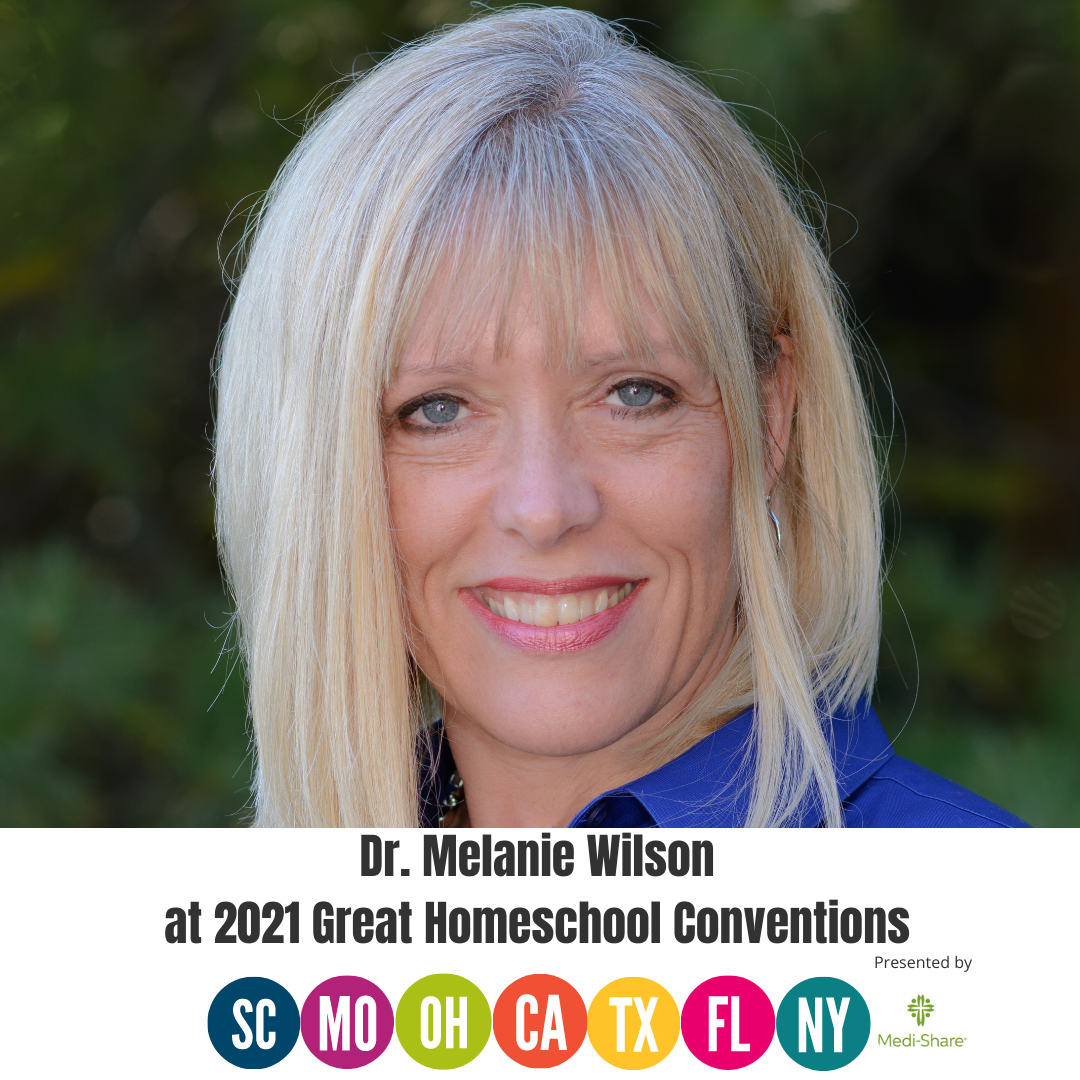
Hal and Melanie Young host the Making Biblical Family Life Practical podcast. Most homeschooling parents have times like these and the Youngs have some encouragement.
Carlie Kercheval provides encouragement and tips for dealing with a fact of life for most homeschool moms. I would have loved this article when I had babies who weren’t sleeping through the night. She and her husband Michael are the hosts of Learning to Speak Life.
Katie Horner, expectant mother and host of a Spanish homeschooling podcast, has put together a fantastic list of posts on homeschooling through every baby stage, including sleeplessness.
I love Kendra Fletcher’s premise here. There is a certain kind of book that can drive us crazy. Kendra and her husband, Andy, host Homeschooling in Real Life.
Jen Reyneri, host of Destination: Inspiration, shares her perspective on scheduling and a review of a program that has helped her and her children mange their day.
I’m a Christian psychologist turned homeschooling mother of six. My life can be a little crazy, so I look for sanity-saving ideas to use and share. I hope you’ll read my About page to learn more.


 This is Week 36 of a Year of Living Productively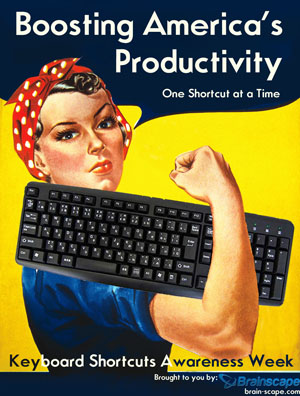
 The Productivity Approach I’ll Be Using for Week 37